 This product is for legal use only. Our service is designed to check, restore and synchronization the data of the control units..
Virtual Cluster Reset by OBD
Licence activation for preorder customers: from 27.10.2026
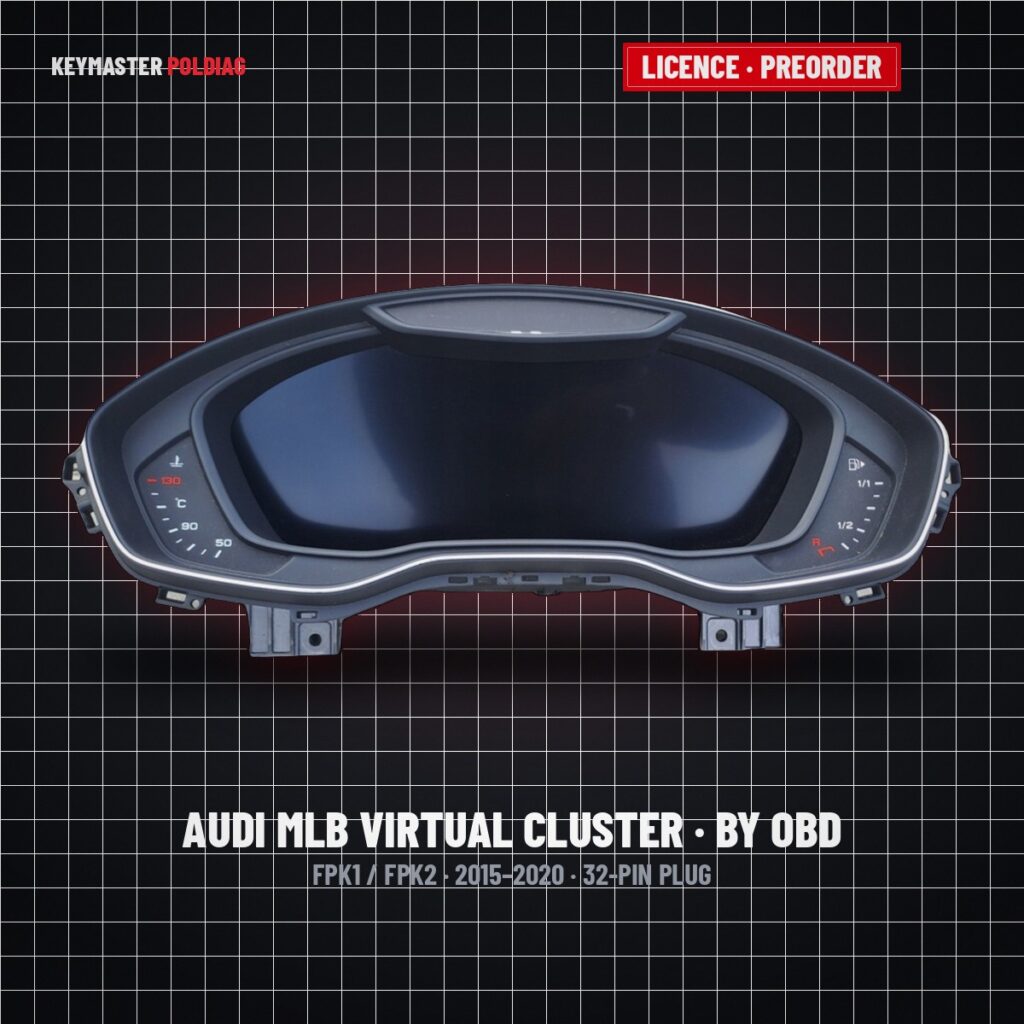
The cluster is reset over the diagnostic socket. Nothing to open, nothing to solder, the dashboard stays in the car.
Our engineer connects to your J2534 interface through the Sniffer Agent and sends the CAN commands from our side.
PolDiag OBD interface, OpenPort and other J2534 adapters. At least one interface must be licensed.
The licence is assigned to the serial number of your OBD interface. No subscription and no additional fees.
How it works
Licence
Order the licence for your OBD interface. The licence is issued for the interface serial number, so tell us which adapter you use.
Download the agent
Download and unpack snifferAgent.rar on the Windows laptop that will be connected to the car. No installation is needed.
Connect the car
Plug the J2534 interface into the OBD socket of the car, switch the ignition on and start snifferAgent.exe. The agent links your interface to our server.
Remote session
Write to us on the support page so the engineer is waiting for your session. He sends the CAN commands and resets the cluster; keep the laptop and the interface connected until he confirms the session is finished.
Sniffer Agent for Windows
Operating system: Windows 7 / 8 / 10 / 11 · the laptop must have internet access during the session
What you need for a session
- Windows laptop (Windows 7 / 8 / 10 / 11) with internet access
- J2534 PassThru interface: PolDiag OBD interface, OpenPort or another J2534 adapter
- Licence issued for the serial number of that interface
- Access to the OBD socket of the car, ignition ON during the session
- Vehicle: Audi 2015-2020 with FPK1 or FPK2 cluster, 32-pin plug
- Stable internet connection for the whole session — the agent must stay running
Supported dashboards
Price and activation
Questions
Do I have to remove the cluster from the car?
No. The reset is done over the OBD socket with a J2534 PassThru interface, the dashboard stays in the car.
Which interface can I use?
PolDiag OBD interface, OpenPort or any other J2534 PassThru adapter. The licence is bound to the interface serial number, so the same interface has to be used for the session.
Do you need remote access to my computer?
No screen sharing is used. You start the Sniffer Agent yourself; it links your J2534 interface to our server and our engineer sends the CAN commands through it. You can stop the agent at any time by closing its window.
What happens if the connection drops during the session?
Start the agent again and write to us: the session is restarted from the beginning. Nothing is written to the cluster while the agent is not connected.
Is FPK2P / FPK2+ supported?
No. Only FPK1 and FPK2 clusters with a 32-pin plug (Audi 2015-2020) are covered by this licence.
Remote reset of Audi BOSCH virtual clusters (FPK1 / FPK2, 2015-2020, 32-pin plug) over the OBD socket with a J2534 PassThru interface: nothing is removed from the car. The licence is bound to the serial number of the OBD interface; the session runs through the Sniffer Agent, which links the workshop interface to our server and lets the engineer send the CAN commands. FPK2P / FPK2+ clusters are not supported.